
Payne Avenue Christian Church
We are a congregation of the Christian Church (Disciples of Christ). Each congregation operates independently, able to make decisions that are authentic to our particular time and place. At the same time, we are in covenant with other congregations in our denomination as well as with other Christian denominations and other faith communities, so that we can work together to further the work of God’s reign on earth.
Locally, we are part of the Western New York Area Churches in Covenant, which consists of Disciples of Christ and United Church of Christ congregations in Western New York. We are also part of the Northeastern Region of the Disciples of Christ, which includes New York and all of New England.
A Movement for Wholesomeness in a Fragmented World
Worship with Open Communion
Sundays at 10AM
All Are Welcome
A Place to Be Yourself
“People don’t expect you to be something you’re not.”
“Everyone’s opinion is welcomed and we find room for individuals.”
A Place to Belong
“Since the beginning I was welcomed as a family member. It wasn’t like I was unknown and new, but as if I’d always belonged.”
Following Jesus, Welcoming All
A Place to Grow
“Being active in this church, I learned to reach out and make others feel welcome, to love others.”
A Place for You
“Since the beginning I was welcomed as a family member. It wasn’t like I was unknown and new, but as if I’d always belonged.”
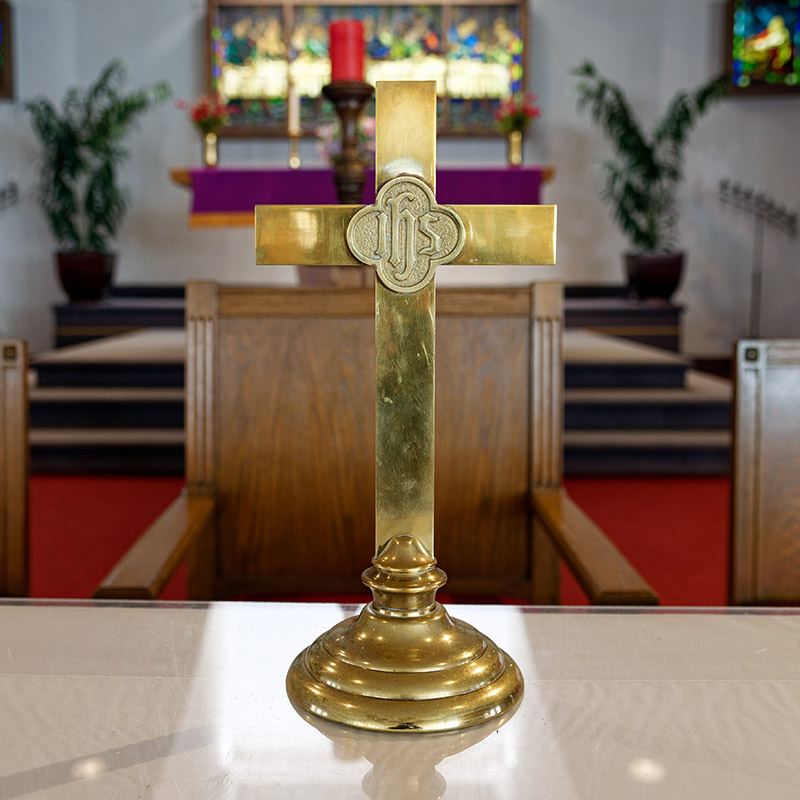
Communion
We celebrate communion, or the Lord’s Supper, every week. In this meal, we are reminded of Christ’s presence among us and sacrificial love for us. We believe that Jesus is the host of the table – and because Jesus welcomes all to the feast, so do we. If you desire to know God’s presence more fully in your life, you are welcome to participate in the communion meal.
Baptism
As Disciples of Christ, we practice baptism by immersion when a person is old enough to decide to follow Jesus. Several things happen in baptism:
We recognize God’s love for the person being baptized; an individual commits to a life of faith; the congregation promises to love and support them in the journey.
Contact the pastor if you would like to learn more about baptism.